The library module is the repository for the asset specifications and is broken up into vehicles, rims and tyres.
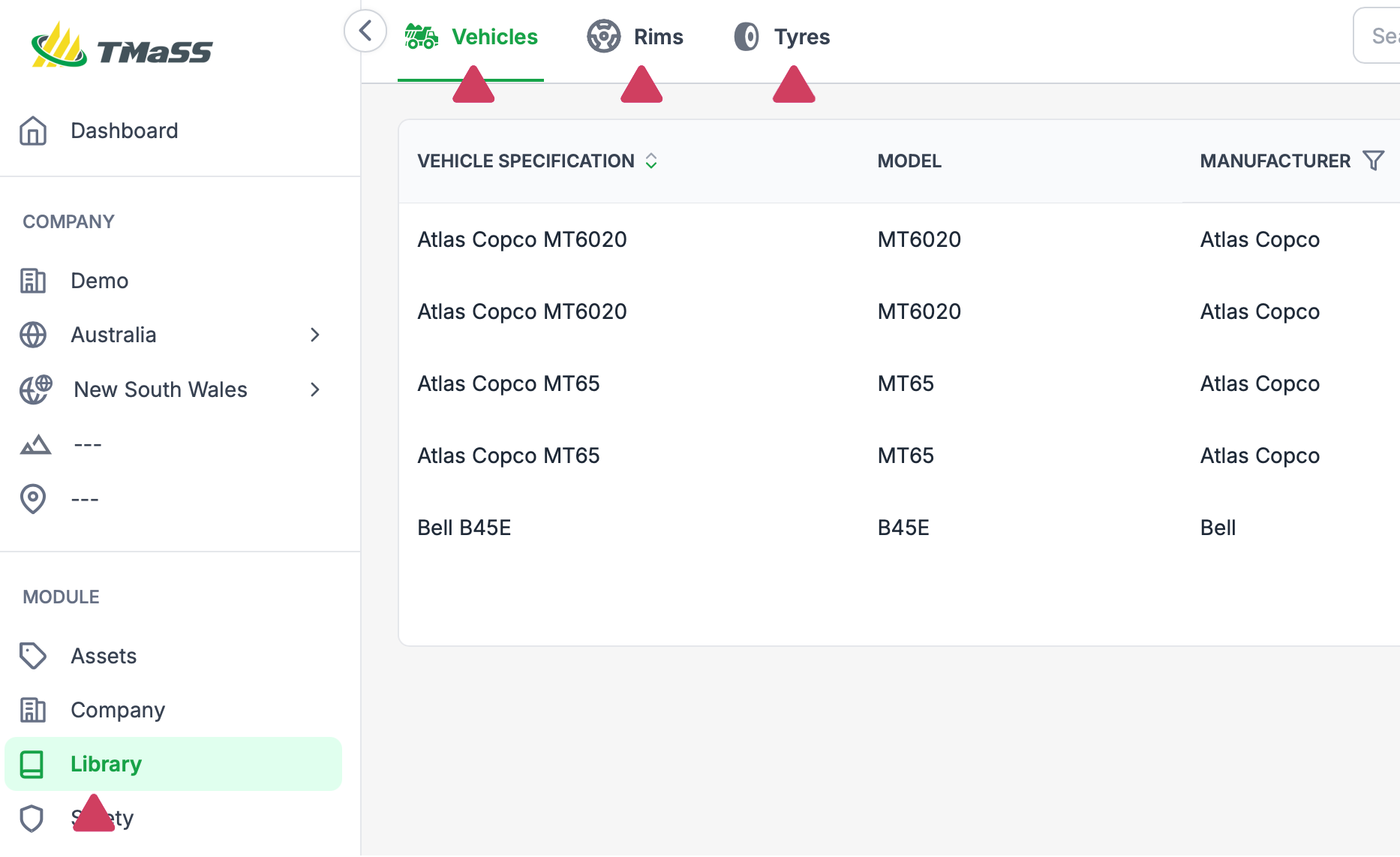
When you create an asset, one of the most important aspects of an asset is its specification. The specification provides the system with specific parameters which other parts of the system rely on. For example: A tyre asset will be assigned an original tread depth. This tread depth is important to reporting and tyre life aspects of the system. While a vehicle will be assigned a number of positions.
Therefore, creating an asset relies on having the asset specification available in the library. By assigning a specification to an asset its technical specifications are automatically filled in for you. Remember, the more data you enter when creating an asset the more useful data you will be able to derive from the various reports.
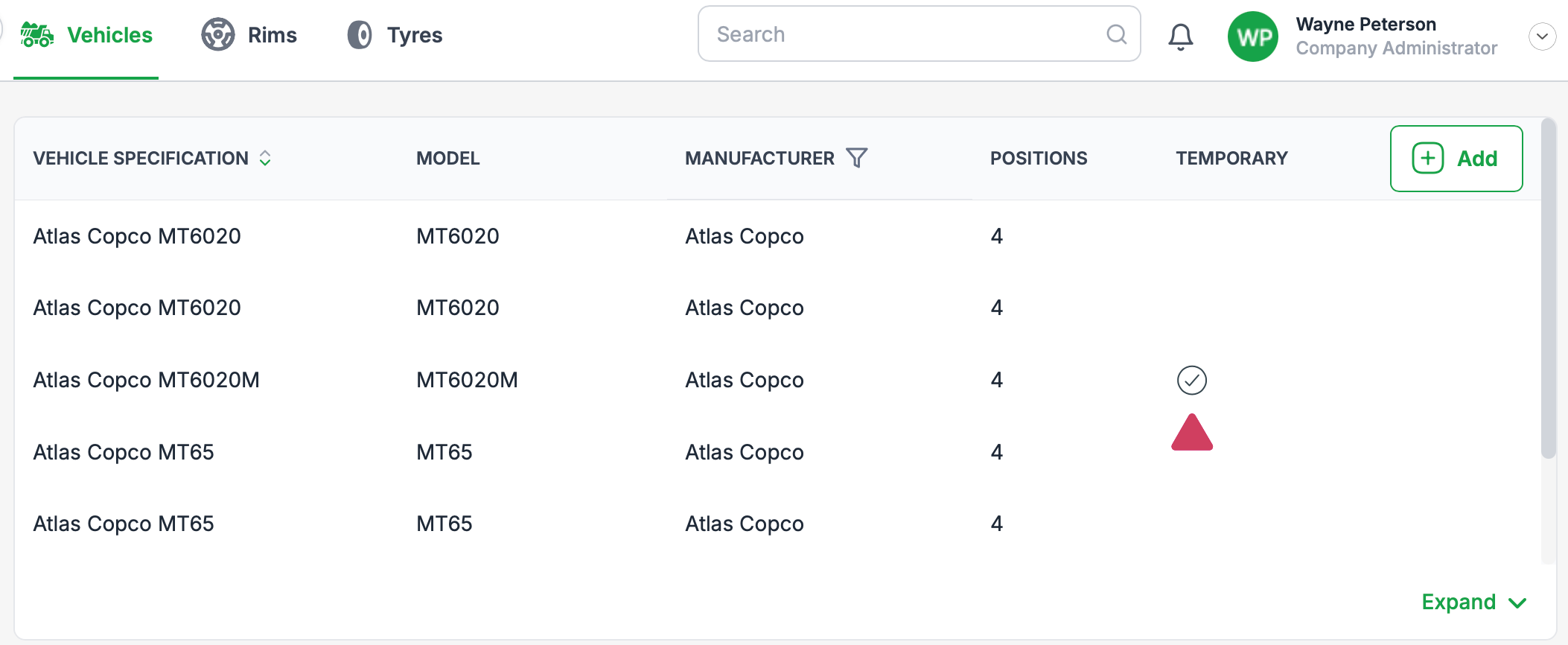
In the event that a specification is not available for your application, you can create a temporary specification so you can continue working. Temporary specifications highlighted in the specifications list by tick icon in the Temporary column, as shown below.
When a temporary specification is created it is reviewed by a global administrator, and any additions and changes that are required are made, is then approved. Once approved, any assets that have been assigned the temporary specification will be updated automatically.
Global administrators control the library master data and approve all temporary specifications, if you have any questions regarding a specification you have added, please visit the knowledge base and log a support call.
Was this article helpful?
That’s Great!
Thank you for your feedback
Sorry! We couldn't be helpful
Thank you for your feedback
Feedback sent
We appreciate your effort and will try to fix the article