Crews are a new user type in TMaSS that allows you to create a grouping of users. This is particularly useful where you have a group of staff utilising a single computer where various members of the crew carry out data entry.
A crew can be made up of name and listed users and is assigned its own login name and password. Crews can be found in the Crews sub-module which is located in the User module.
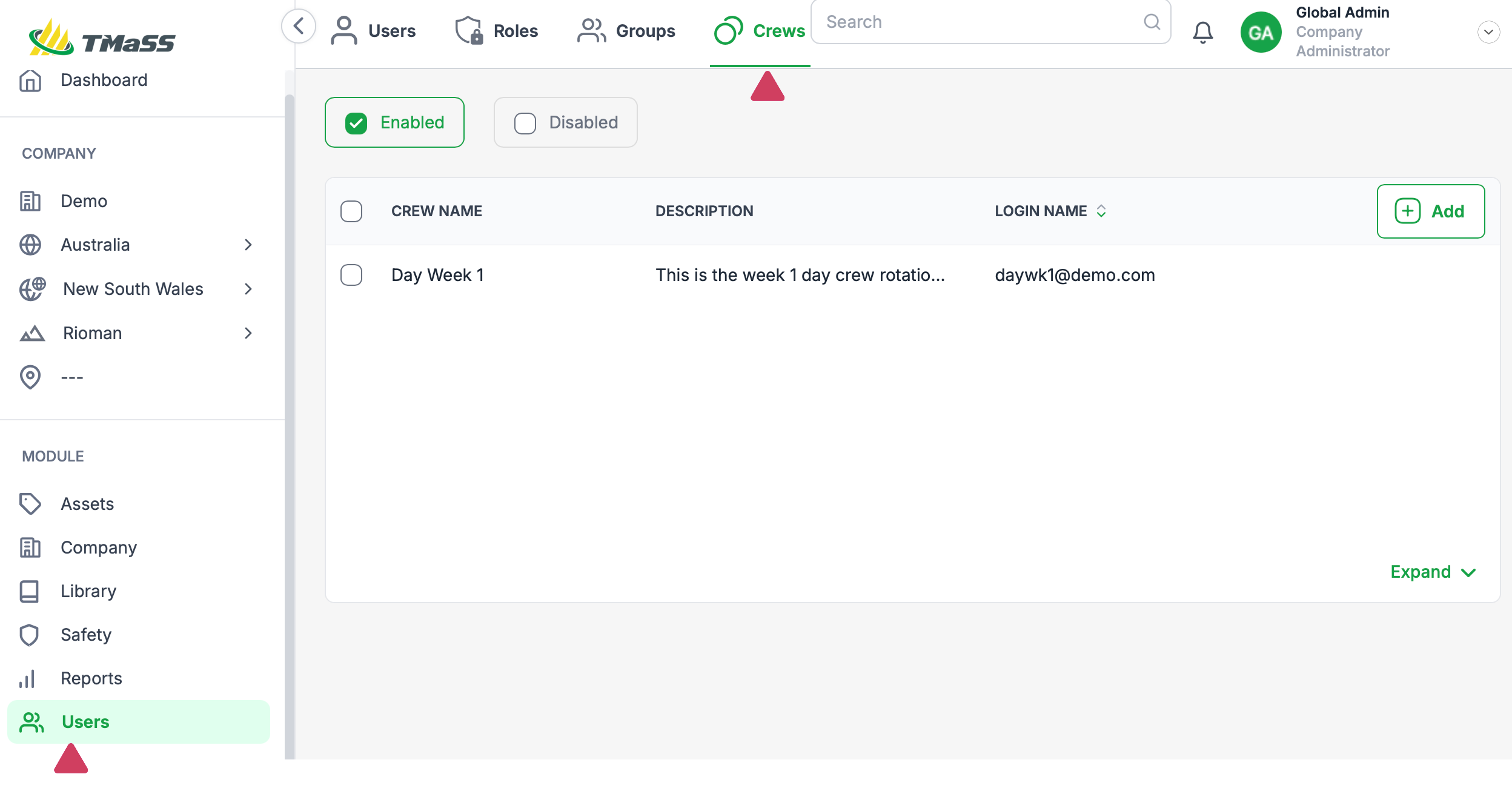
Each crew is made up of a crew leader and members. Only a standard user can be assigned as the crew leader. This is necessary as an email address is required for any communication with the crew.
Crews don't utilise a user license, however, a standard user is required for the crew leaderCrew details screen
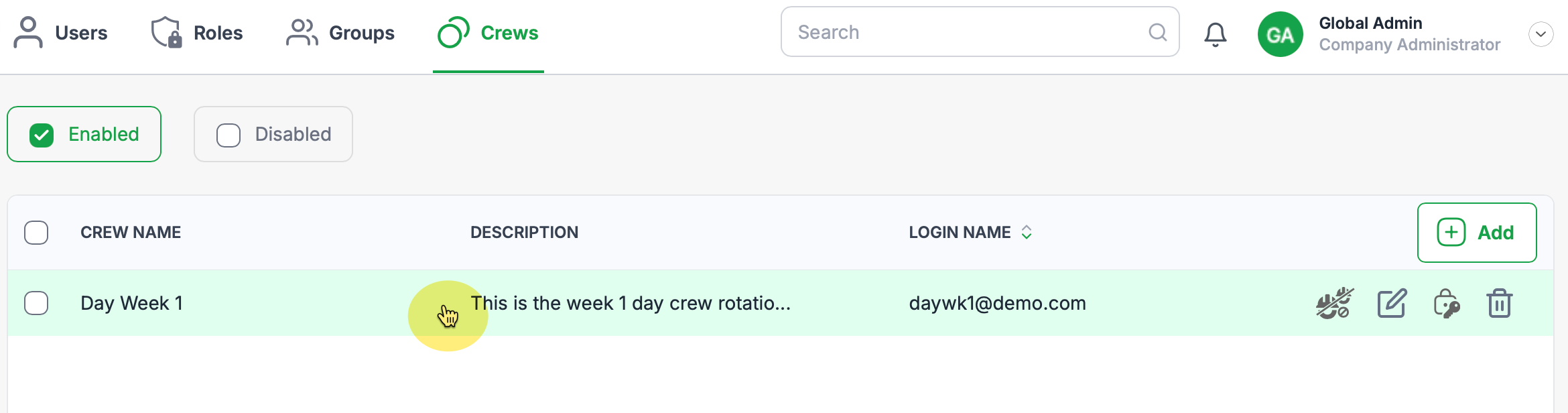
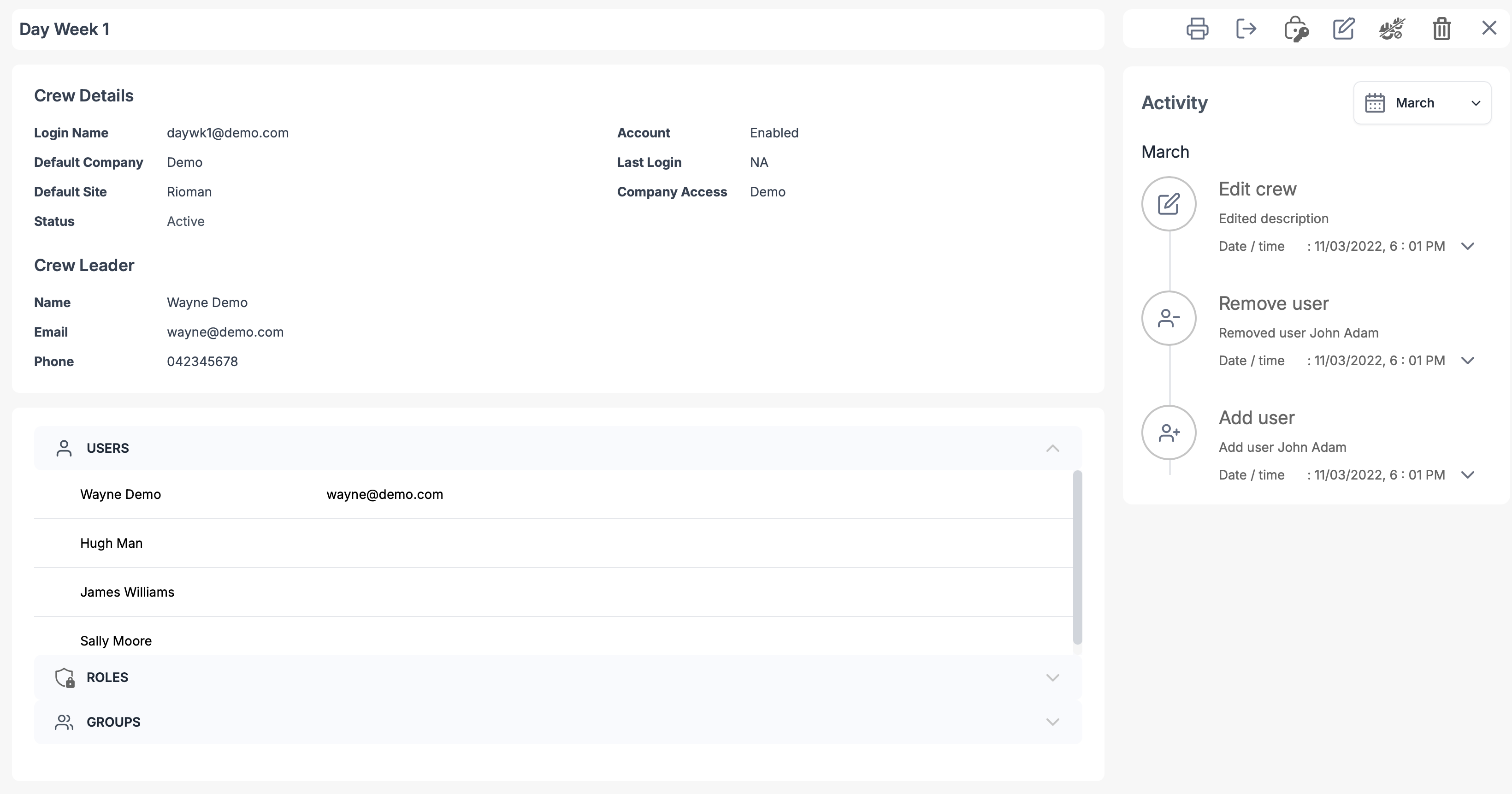
The crew details screen is where you can see the crews details, activity, assigned users, roles and groups. Additionally, you can disable the crew, reset its password or delete it. To access the crew details, hover over the desired crew, it will highlight green, then select by clicking the left mouse button.
Crew details page
Crew security
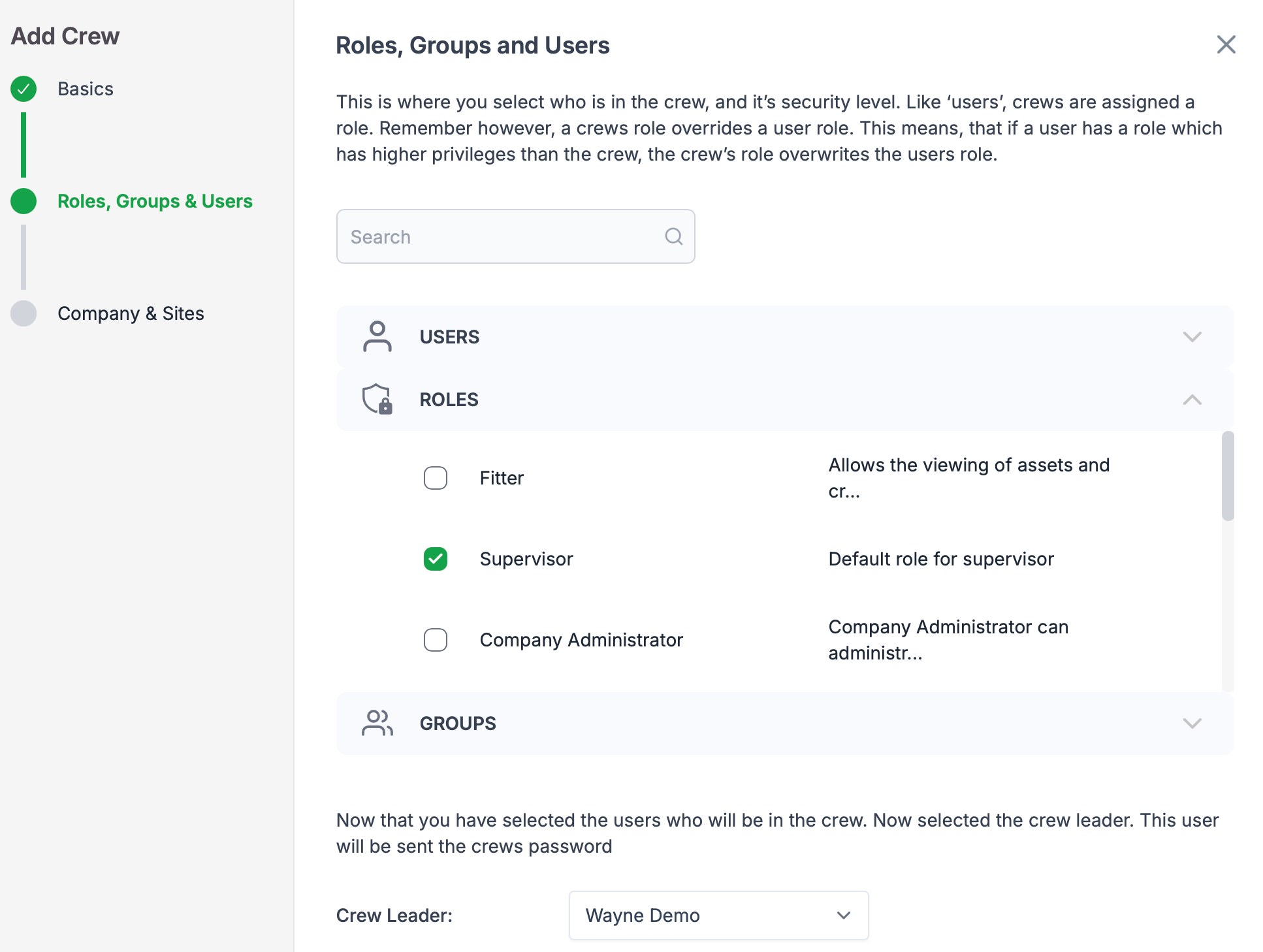
Crews are treated like a standard user in TMaSS in relation to security. Multiple roles and groups can be assigned, however only a single role is mandatory and are assigned on creation and can be modified if changes are required.
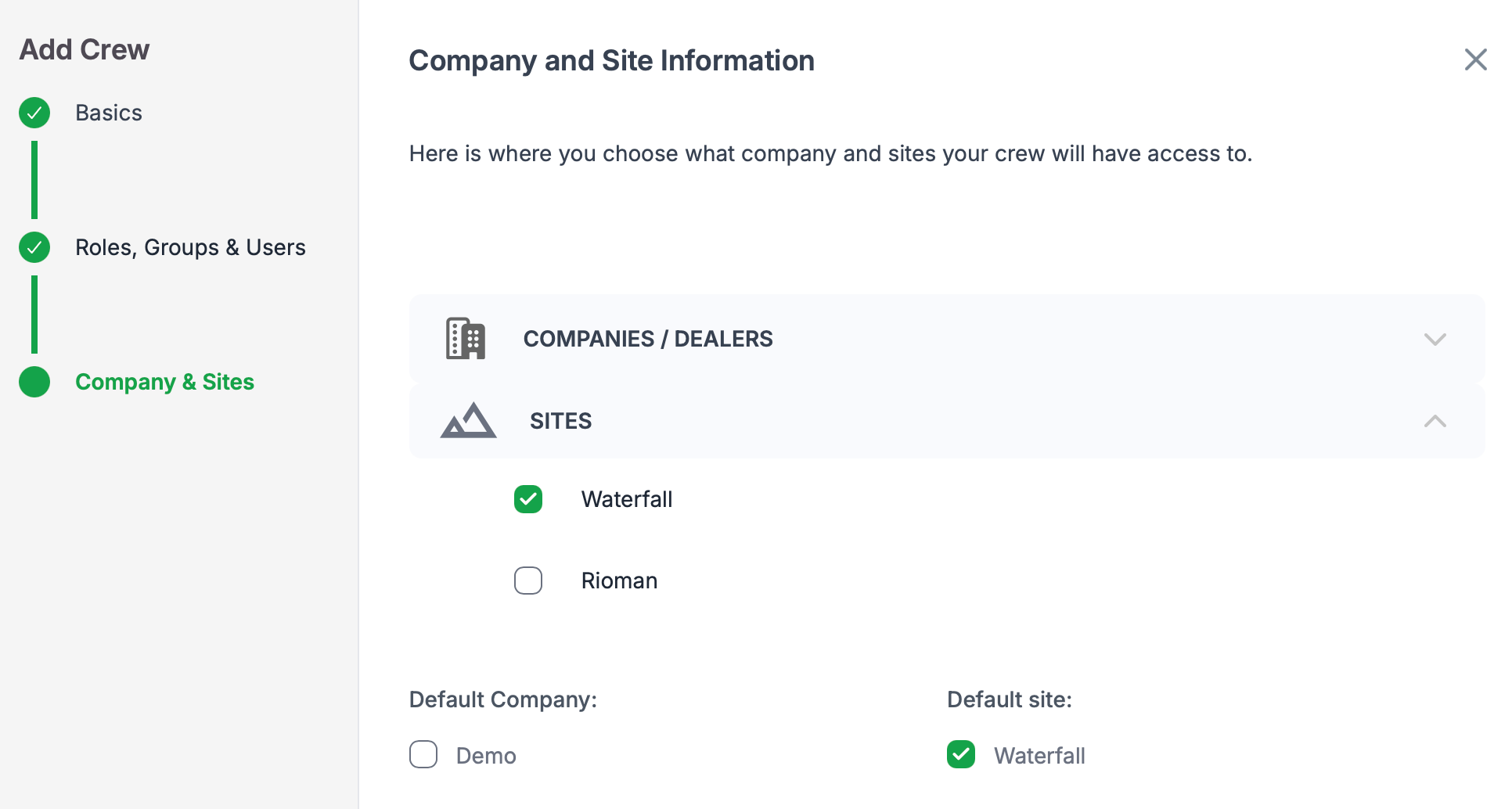
Company and site access
Crews are treated like a standard user in TMaSS in relation to company and site access. Each crew is assigned a company and site/s at creation and can be modified if changes are required.
Was this article helpful?
That’s Great!
Thank you for your feedback
Sorry! We couldn't be helpful
Thank you for your feedback
Feedback sent
We appreciate your effort and will try to fix the article