A group is a mechanism used to assign multiple roles to a user. This enables an administrator to create complex user security based on multiple predefined roles.
The security implementation allows the system to apply multiple roles and their functions to a user. This is done by a “Least Privilege takes Preference” as per the role security implementation above.
Groups can be found in the User module and Groups submodule
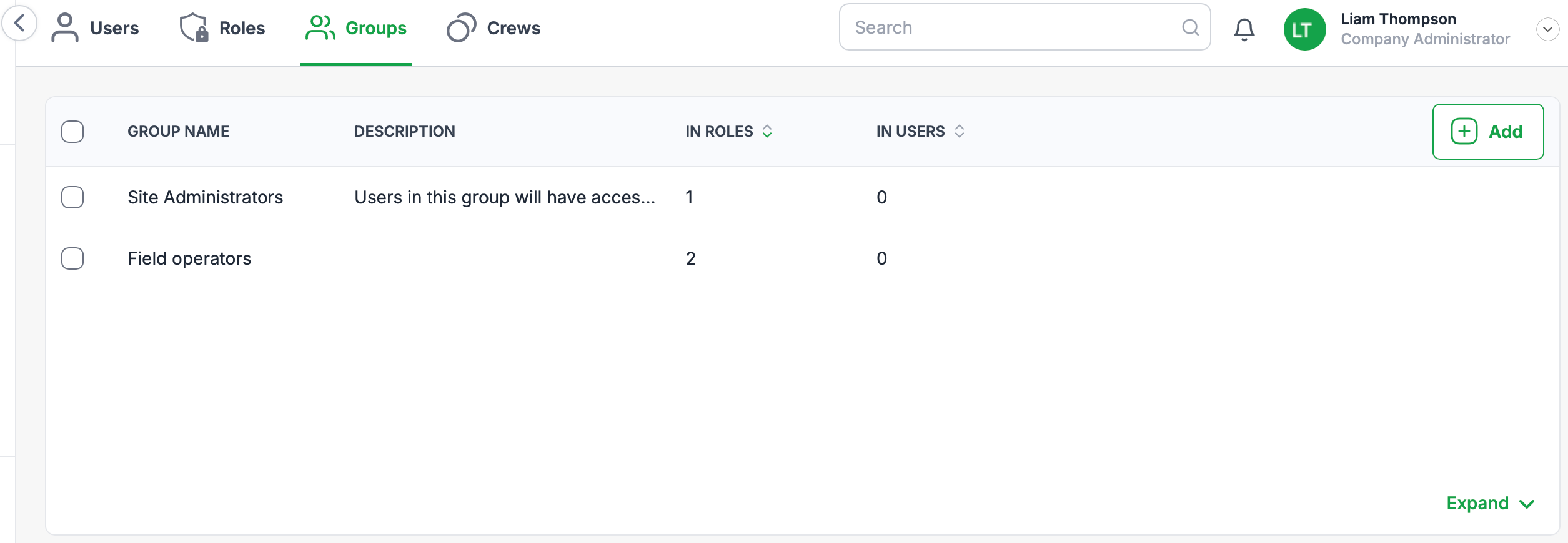
Groups landing page
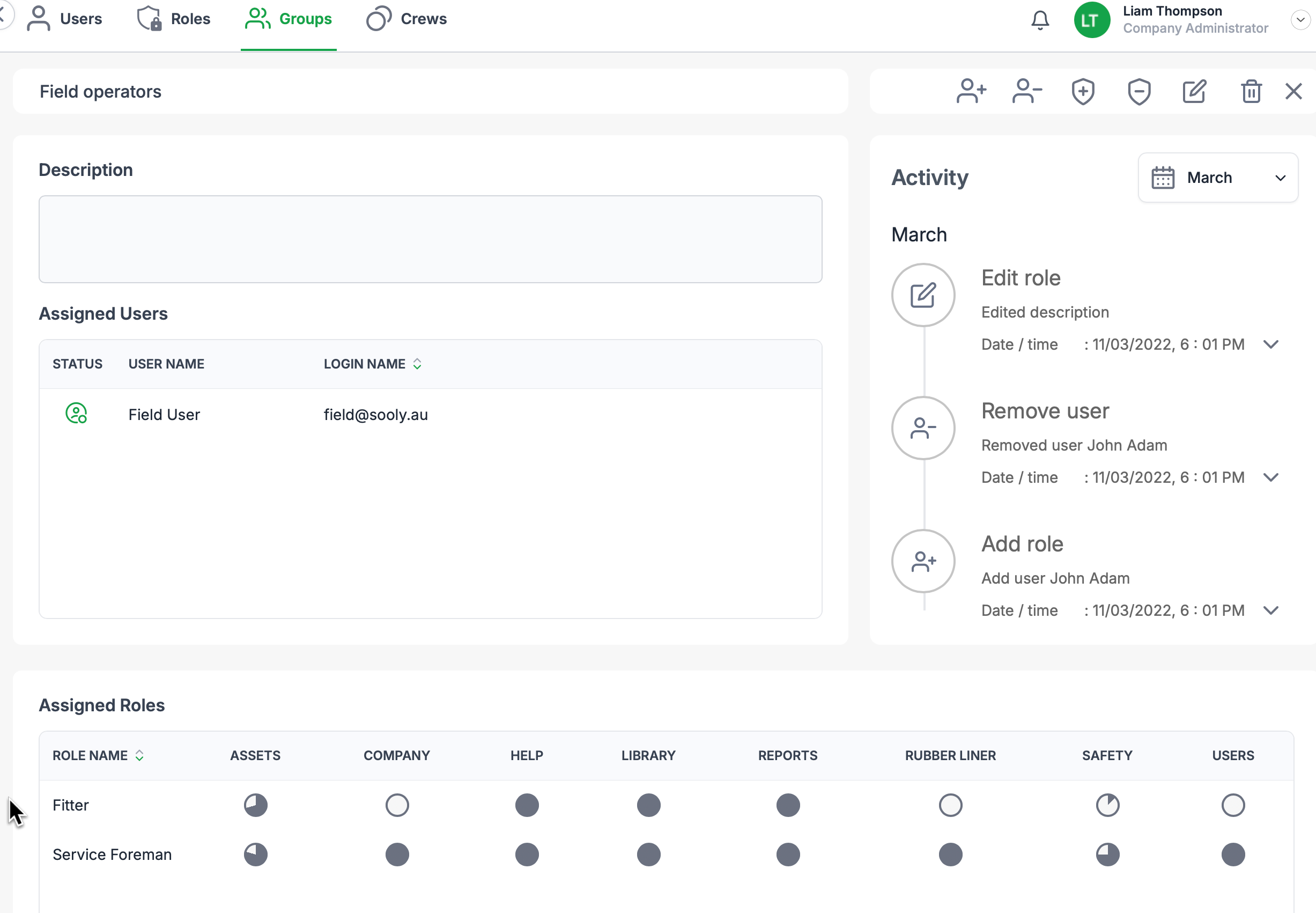
Group details page
Group Functions
Context menu group functions
The following functions will be available on the group hover context menu:

| Function | Icon |
|---|---|
| Copy |  |
| Edit |  |
| Delete |  |
Detail group functions
The following functions will be available when viewing a groups details.

| Function | Icon |
|---|---|
| Remove user |  |
| Add user |  |
| Add role |  |
| Remove role |  |
| Edit |  |
| Delete |  |
| Exit |  |
Was this article helpful?
That’s Great!
Thank you for your feedback
Sorry! We couldn't be helpful
Thank you for your feedback
Feedback sent
We appreciate your effort and will try to fix the article