Tread depths can be added to directly tyre assets or tyres fitted to vehicles using the following methods.
- Tyre - Directly by clicking the 'Add Tread Depth" icon
- Vehicle - Indirectly by clicking the 'Add Tread Depth" icon
- Tyre Inspection
- Vehicle Inspection
Add Tread depth directly to a tyre
- Open the Asset module, and Assets sub-module
- Find the desired tyre and hover over it, the line will turn green
- Click the 'Add Tread Depth' icon as shown here:

- The Add Tread Depth dialog will be displayed.
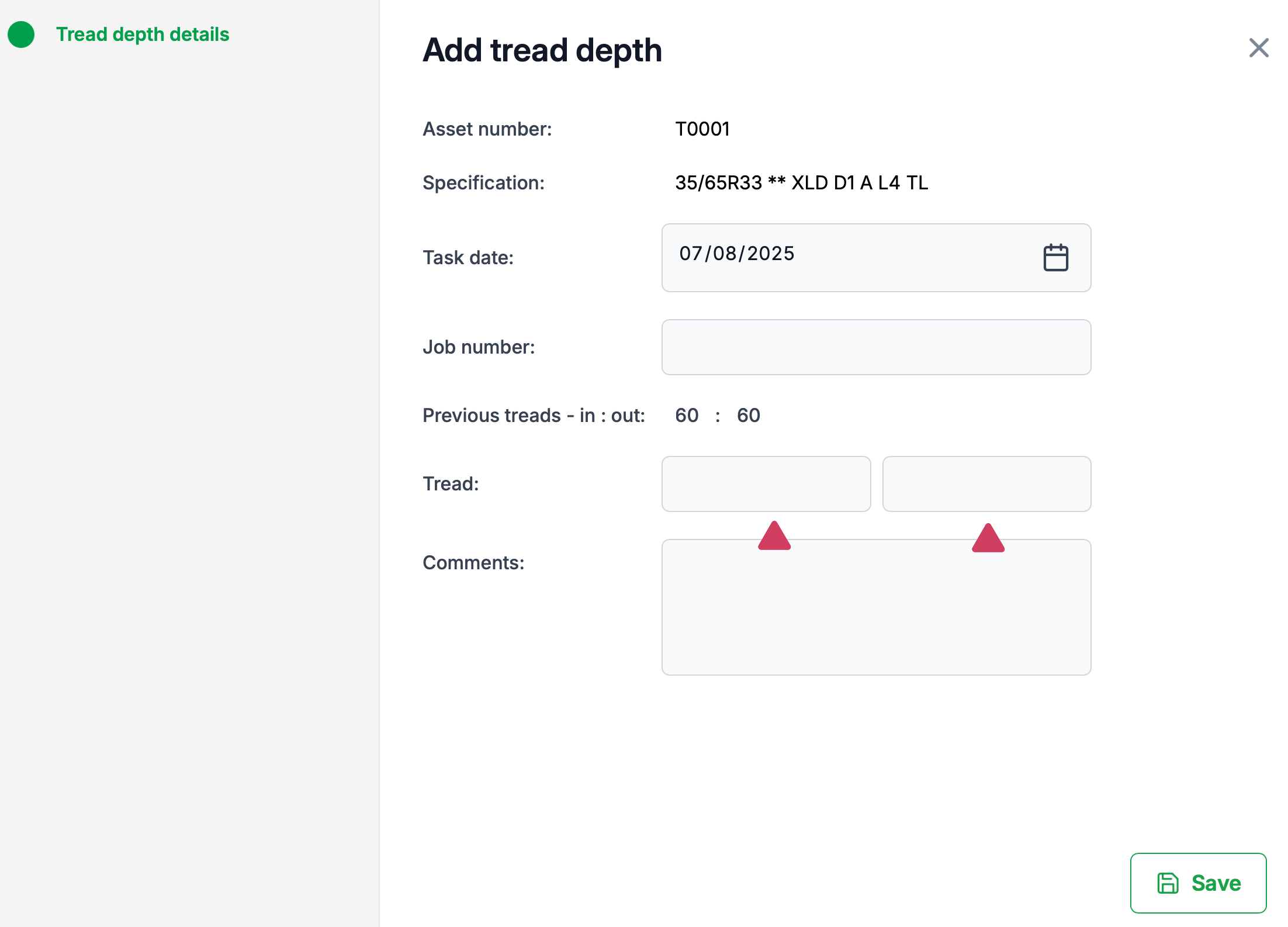
- Enter the inner and outer tread depths
- Press save
Add Tread depth indirectly using a vehicle
- Open the Asset module, and Assets sub-module
- Find the desired vehicle and hover over it, the line will turn green
- Click the 'Add Tread Depth' icon as shown here:

- The Vehicle tread depths dialog will be displayed.

- Select the desired tyre by clicking on the position number icon.
- Enter the inner and outer tread depths
- Press save
Was this article helpful?
That’s Great!
Thank you for your feedback
Sorry! We couldn't be helpful
Thank you for your feedback
Feedback sent
We appreciate your effort and will try to fix the article