TABLE OF CONTENTS
Flags are used to bring attention to assets in TMaSS. There are 4 levels of flags that can be set, these are:
- Critical
- High
- Medium
- Low
When a flag is set, the flag icon is shown to the far left of the asset row, as shown in the below image.
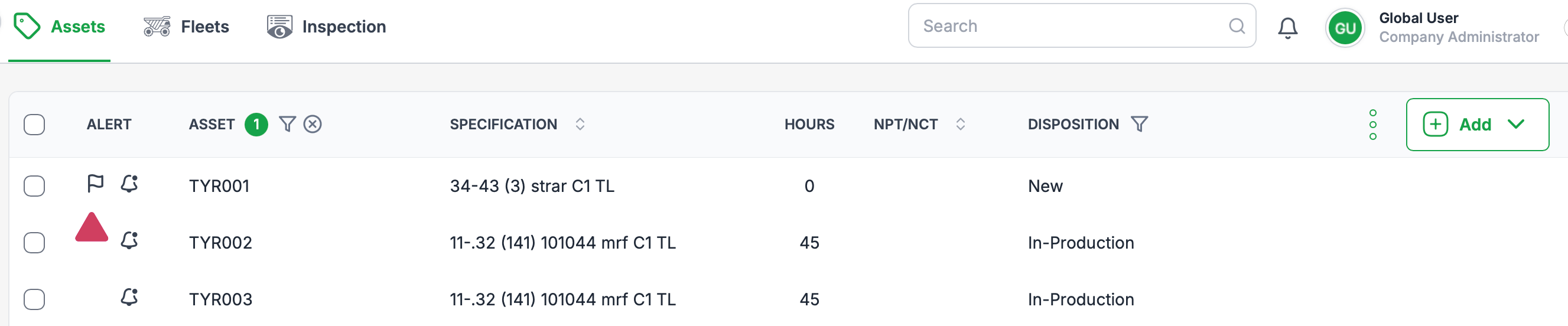
Add or remove a flag
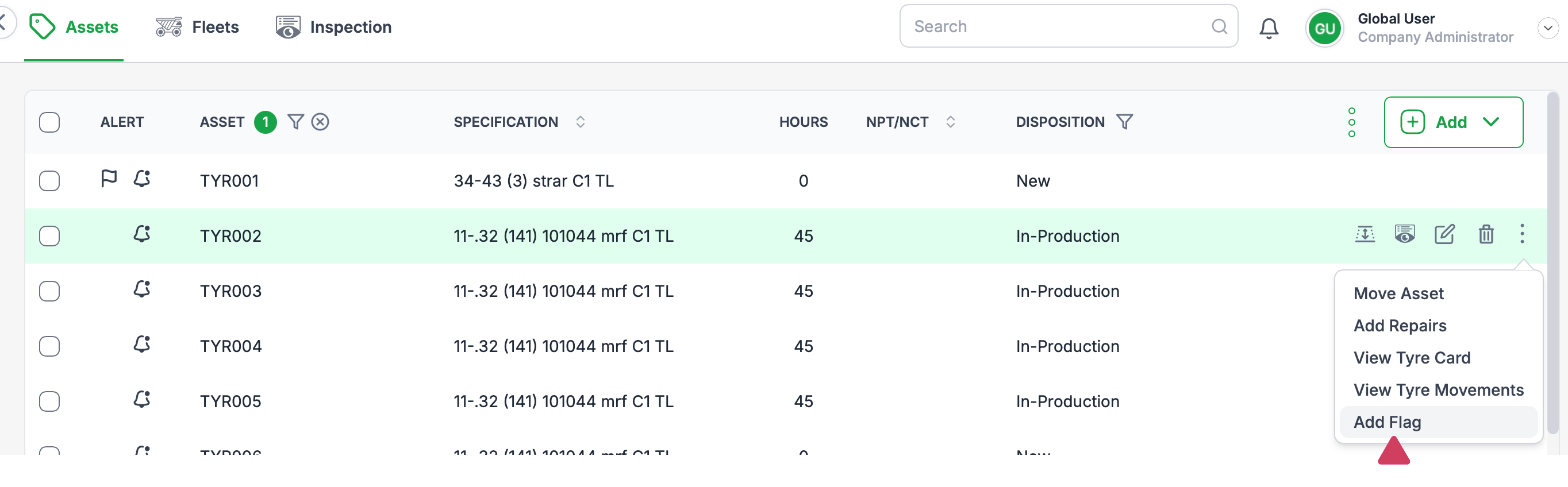
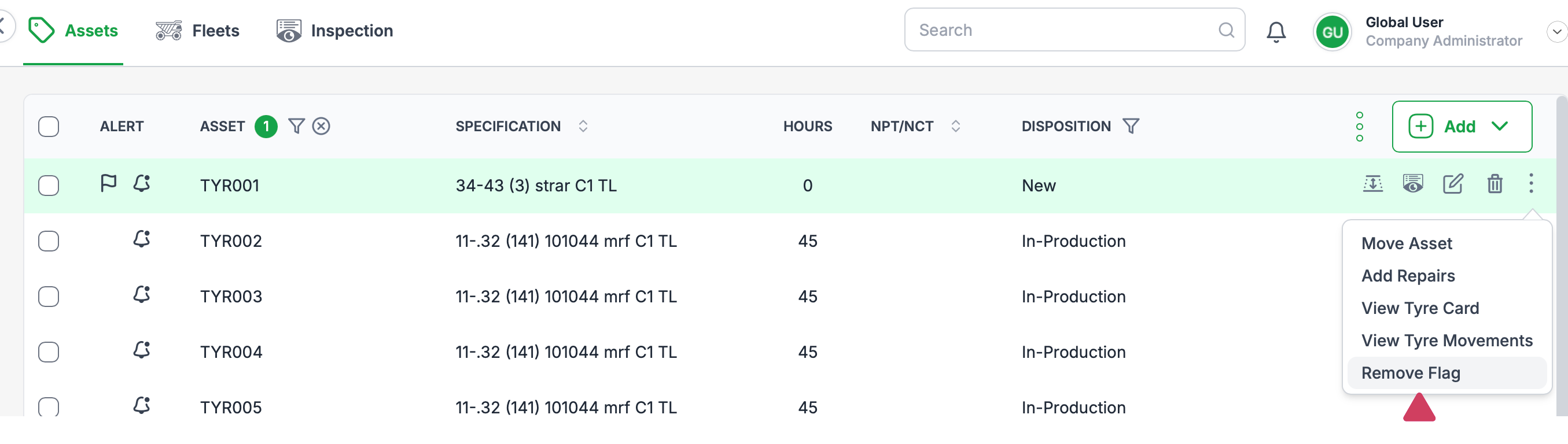
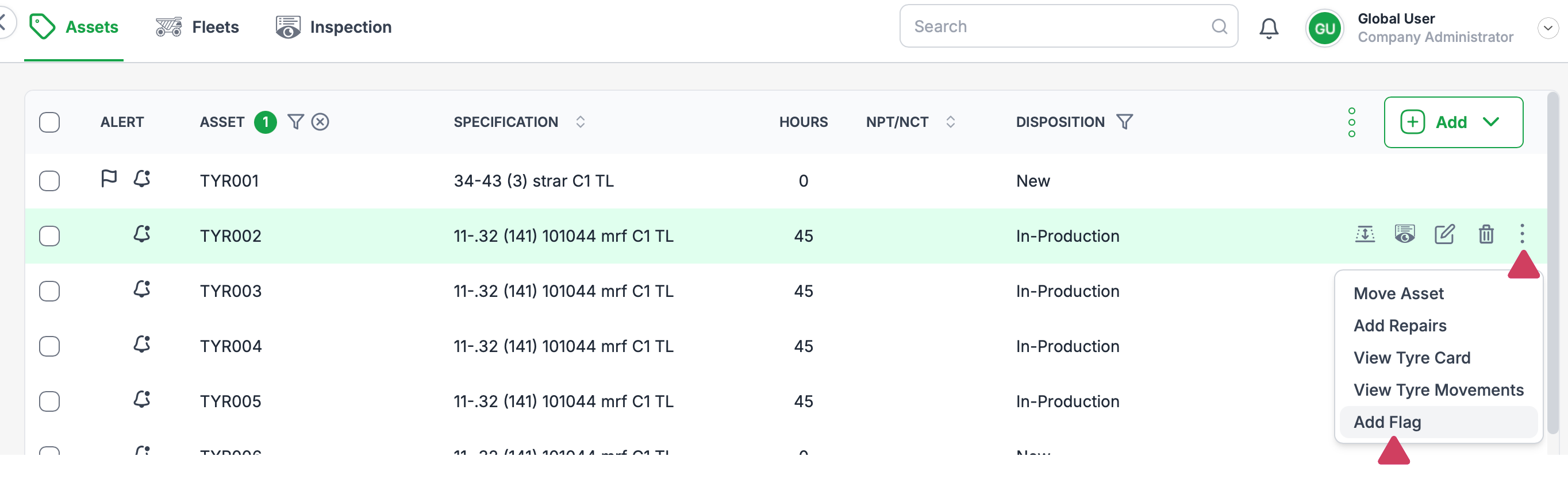
The add / remove flag function can be found by clicking the 3 dot and selecting 'Add' or 'Remove' flag from the dropdown menu. If the asset already has a flag applied, 'Remove flag' will be displayed.
View a Flag
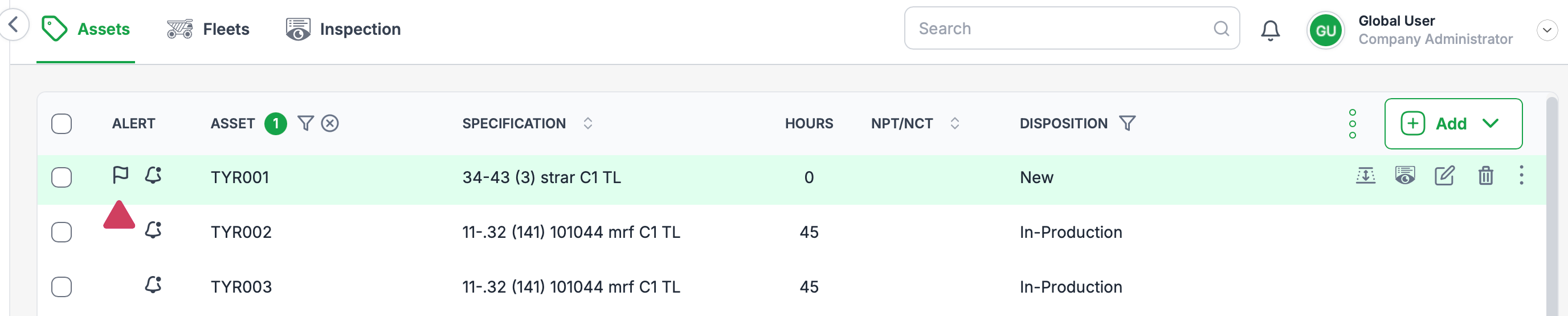
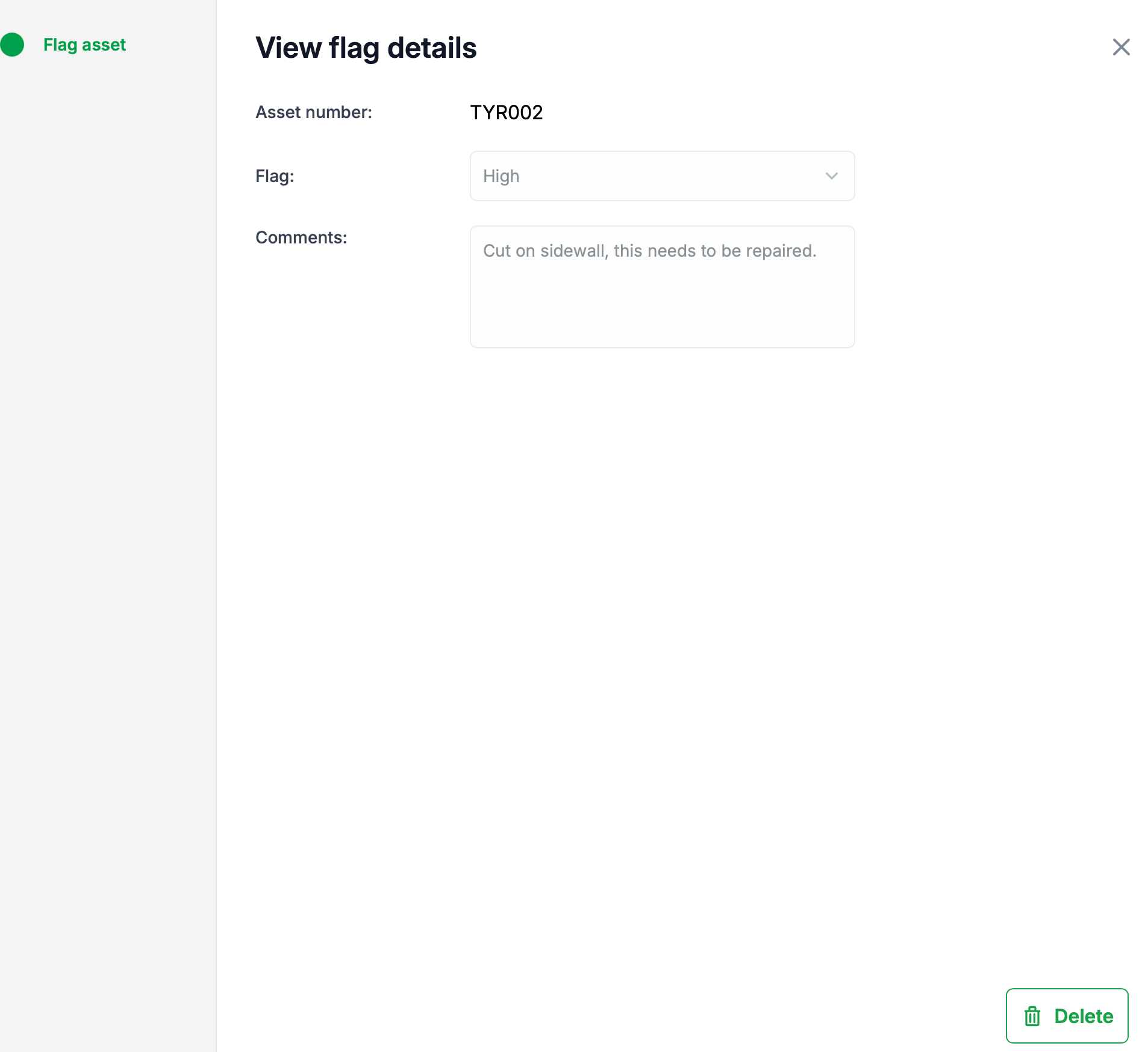
To view a flags details, click the flag icon.
Adding a Flag
Start by clicking the 3 dots, then 'Add Flag' from the dropdown menu
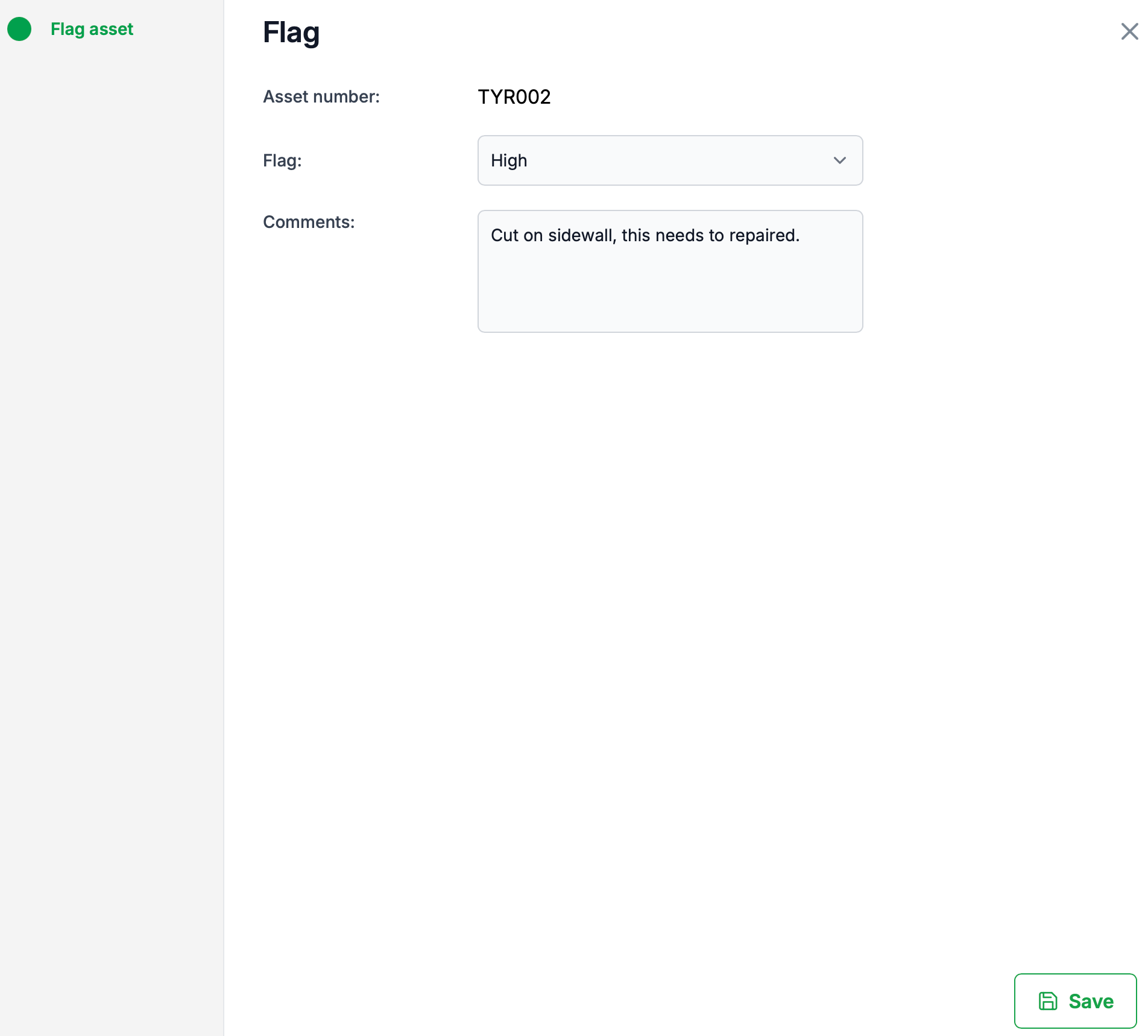
The 'Add flag dialogue will open. Select the Flag type, and add any comments and press save.
Viewing a Flag
To view a repair click on the Flag icon as shown in the below image. The Flags details will be displayed.

Remove a flag
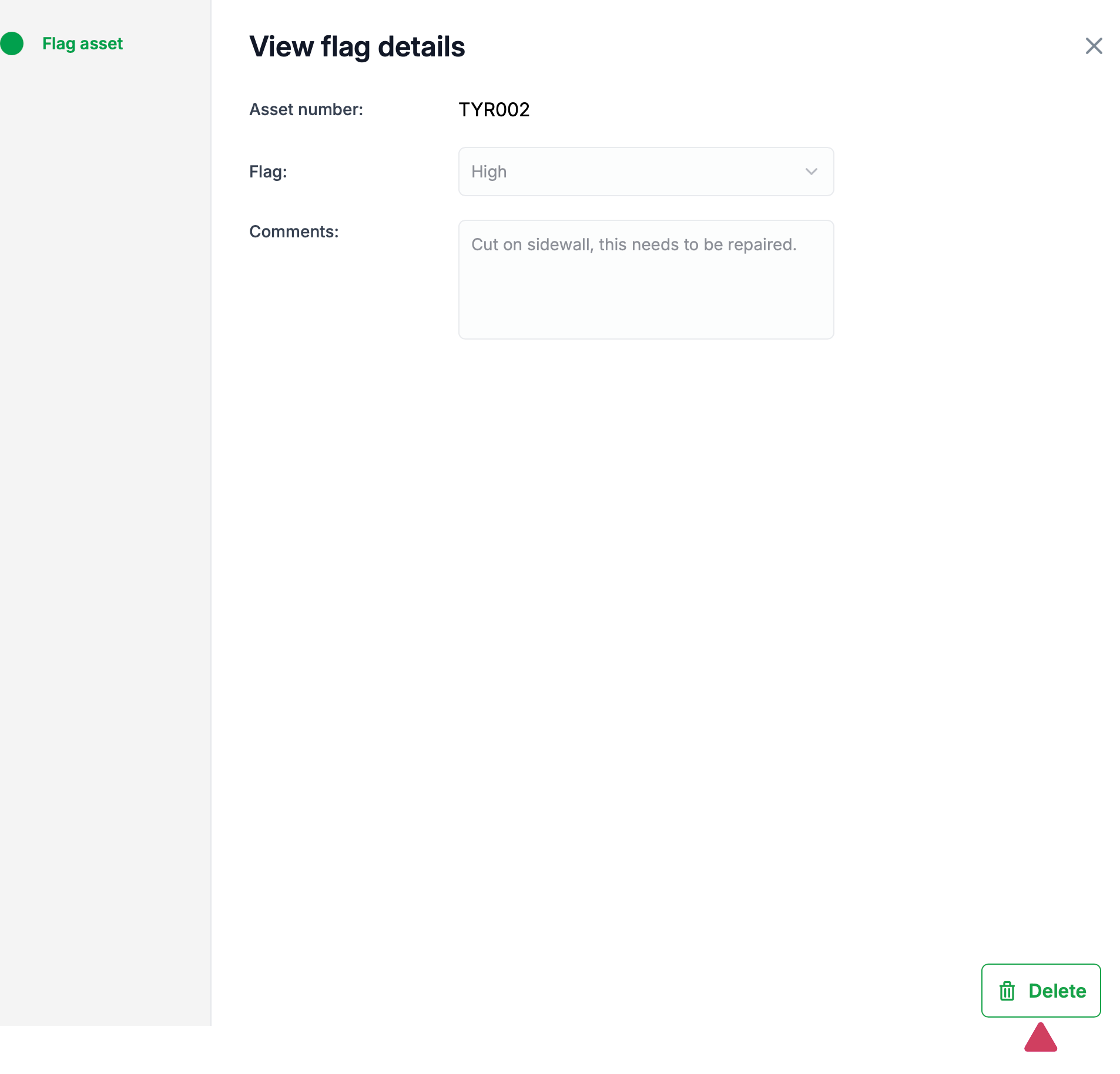
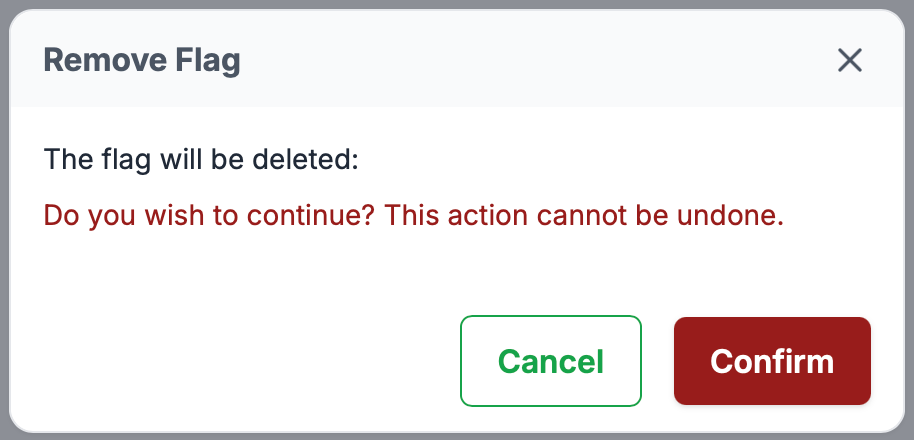
To acknowledge or remove a flag, press the remove icon and select confirm to remove the flag.
Was this article helpful?
That’s Great!
Thank you for your feedback
Sorry! We couldn't be helpful
Thank you for your feedback
Feedback sent
We appreciate your effort and will try to fix the article