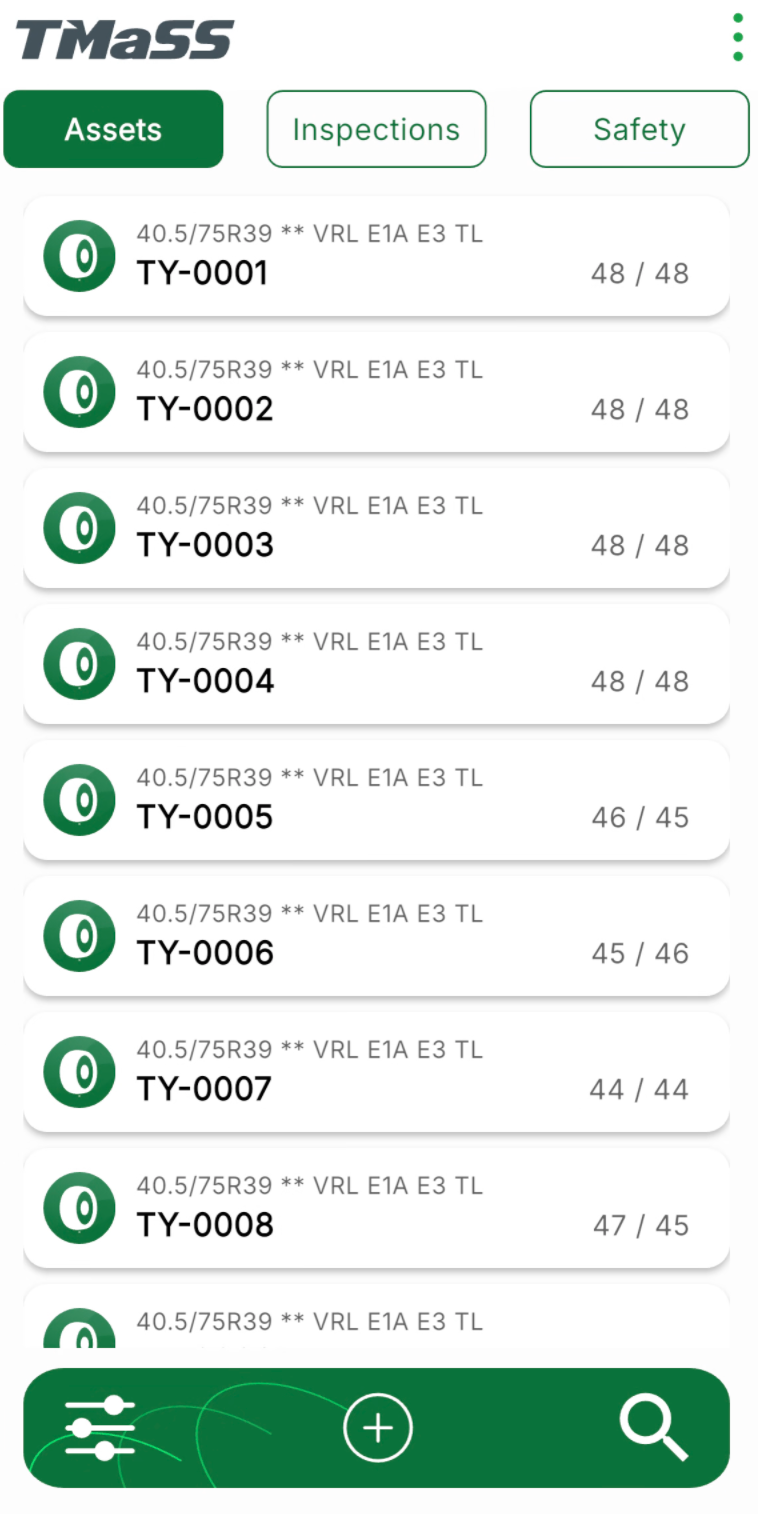
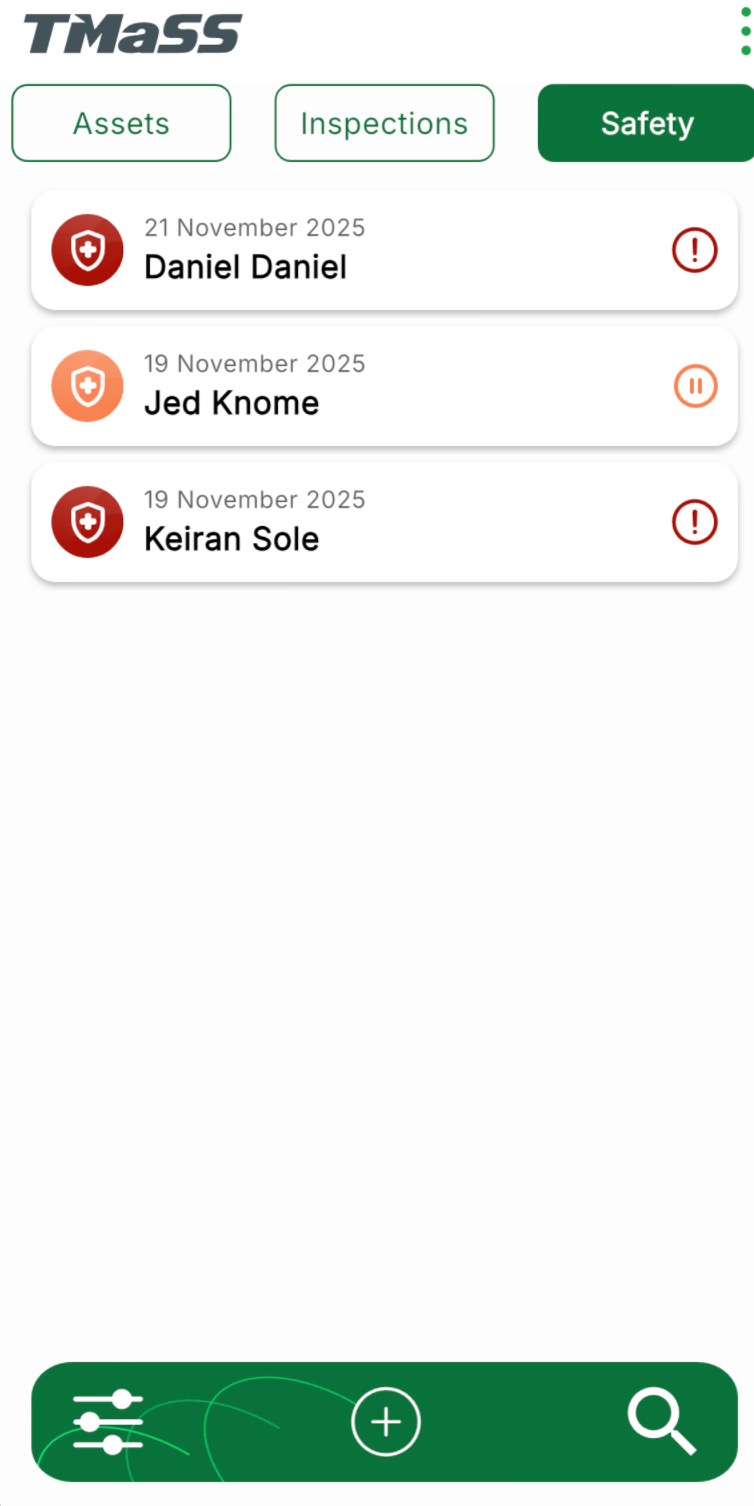
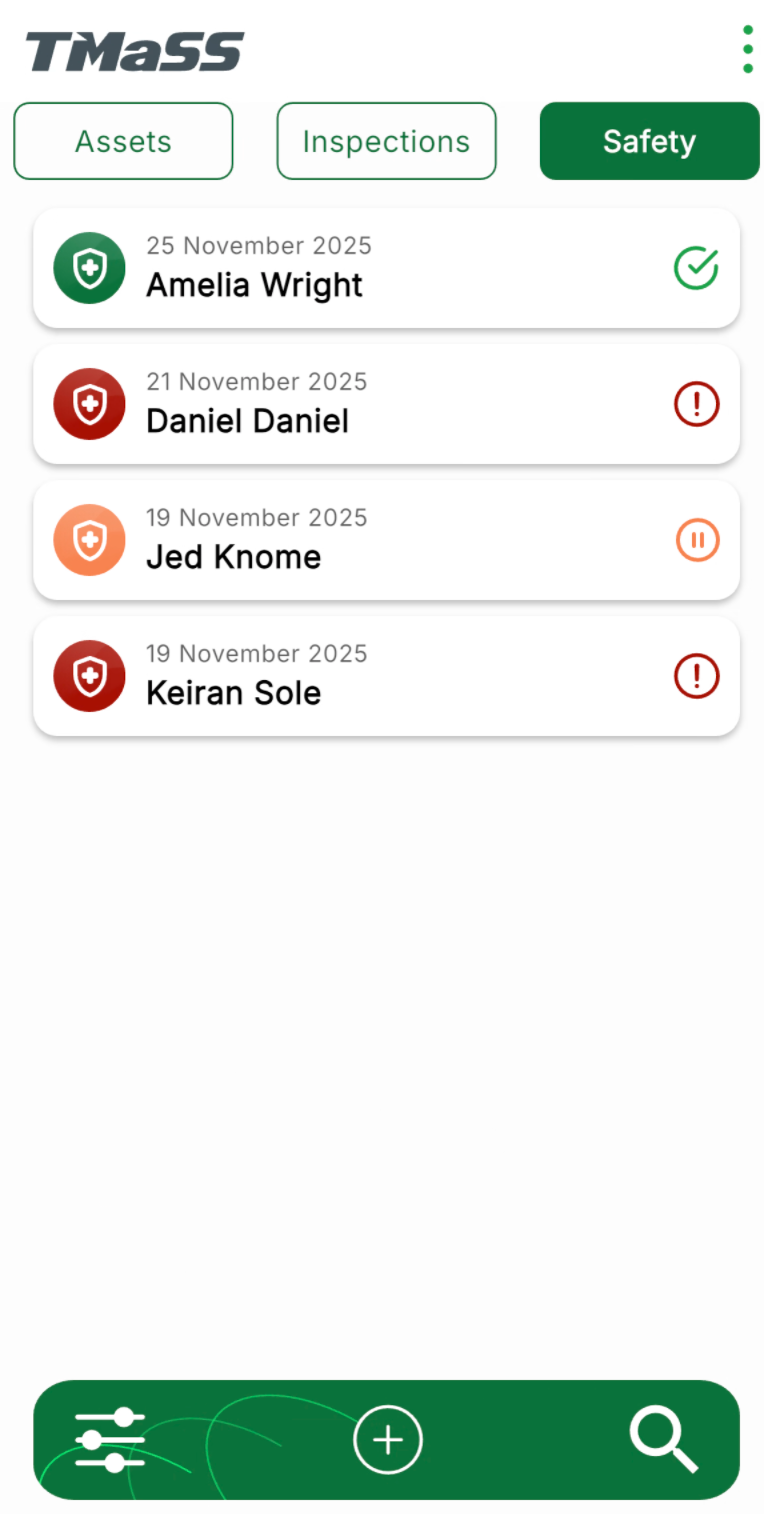
TMaSS Mobile is the companion application to the Tyre Management and Safety System, designed for field staff and supervisors working in the field and supports both IOS and Android platforms. The app presents a clean, card-based interface with three main tabs across the top—Assets, Inspections and Safety—so users can quickly move between tyre management and safety activities while on site.
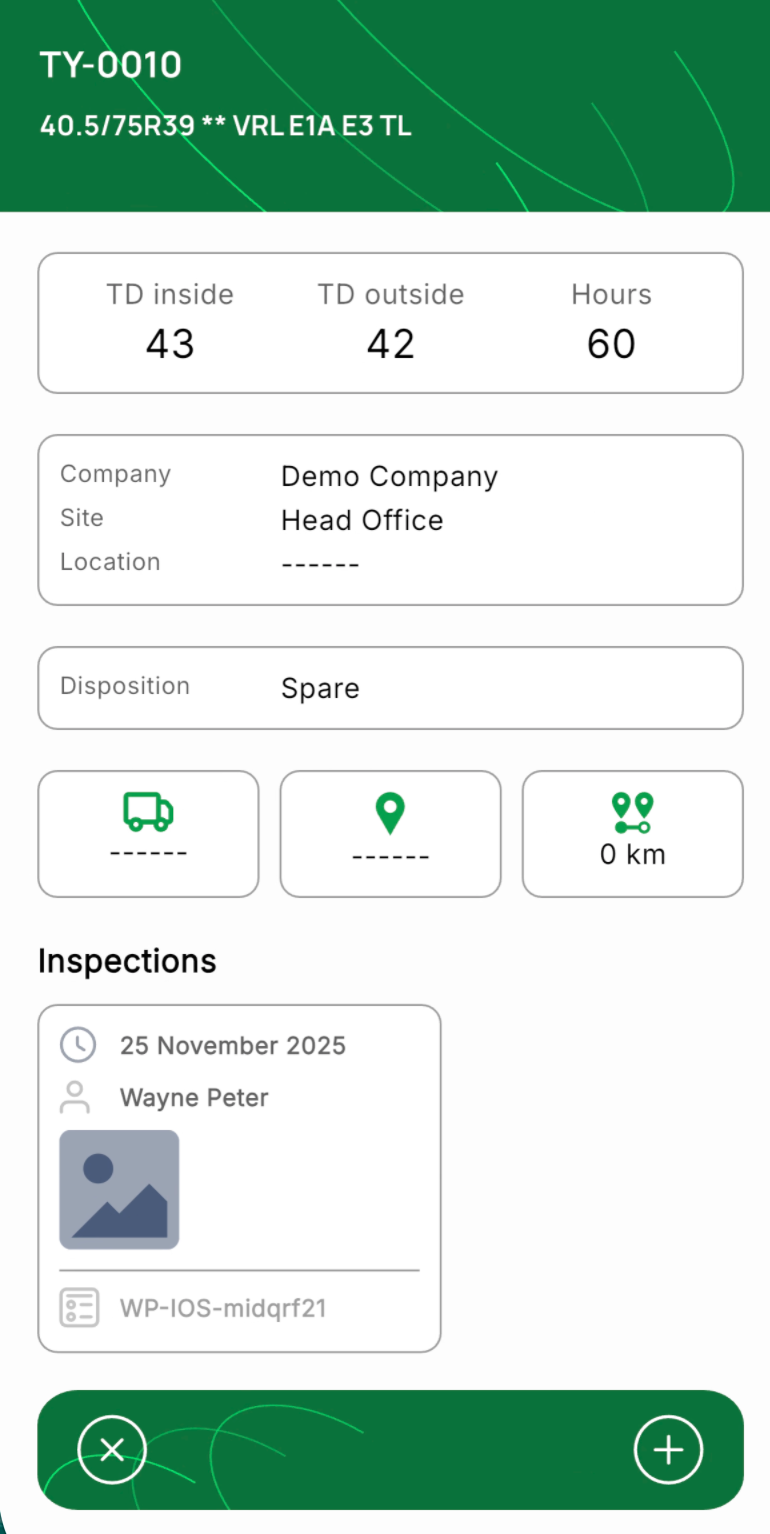
On the Assets tab, users can track all managed tyres in their fleet. Each tyre card shows key information at a glance, including size, unique asset ID, current tread depths and previous inspections (depends on data retention policy settings). Opening a tyre displays detailed data such as TD inside/outside, hours, company, site, location, disposition, current vehicle placement and position. From here, users can create new inspections, update tread depths, or review previous inspection history.
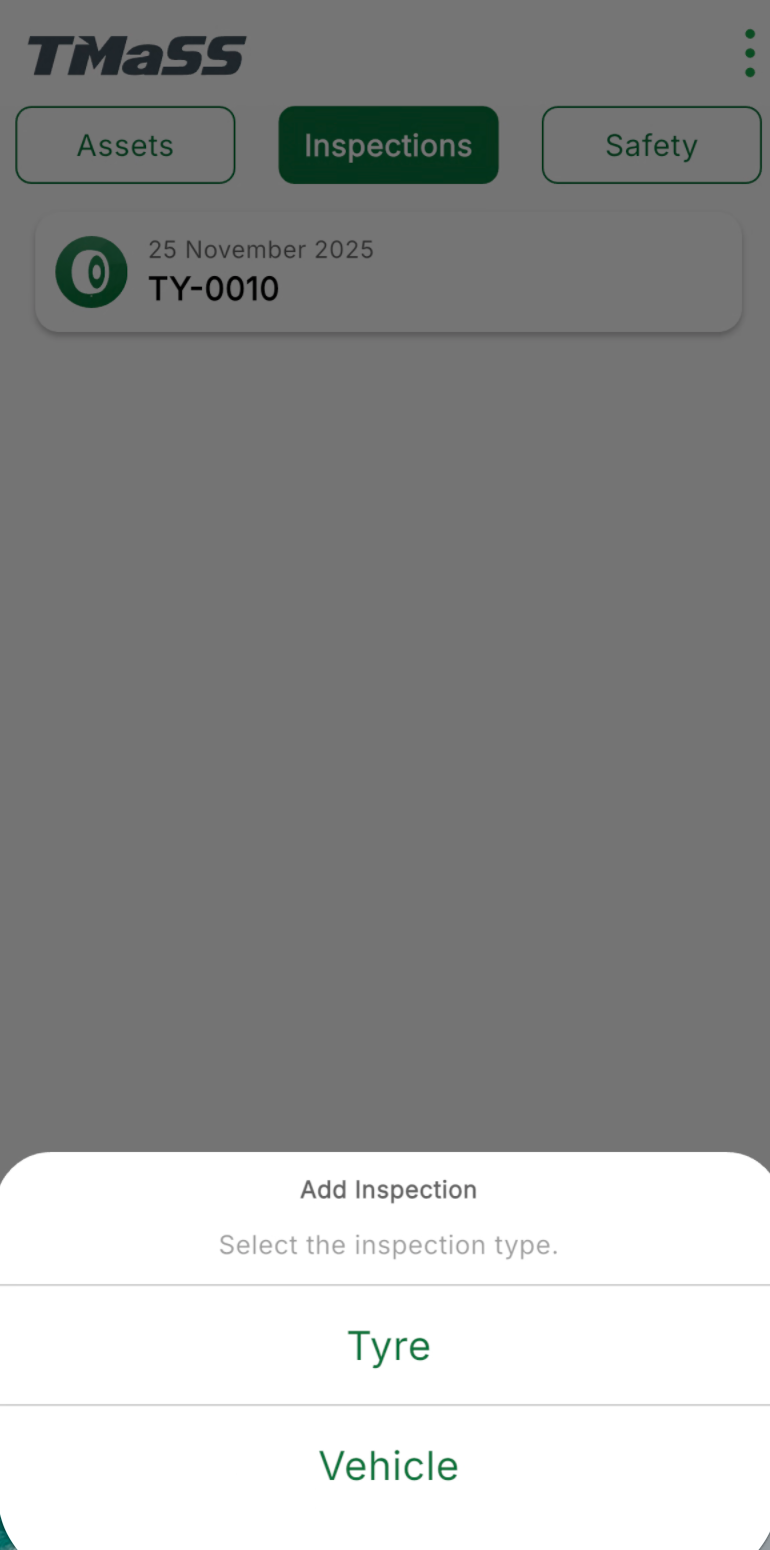
The app also supports inspections on unmanaged tyres and vehicles, allowing teams to capture condition data even for assets that aren’t managed in TMaSS. This means field staff can record inspections wherever they are, then synchronise those records back to the main system when connectivity is available.
The Safety tab is dedicated to staff safety observations. Each observation is shown as a card with the date, person’s name and a clear status icon. A colour-coded system makes it easy to see the state of each observation at a glance—for example, identifying observations that are paused (orange), those where non-conformances have been identified (red) and may require follow-up or corrective action, or observations that have passed without non-conformances (green).
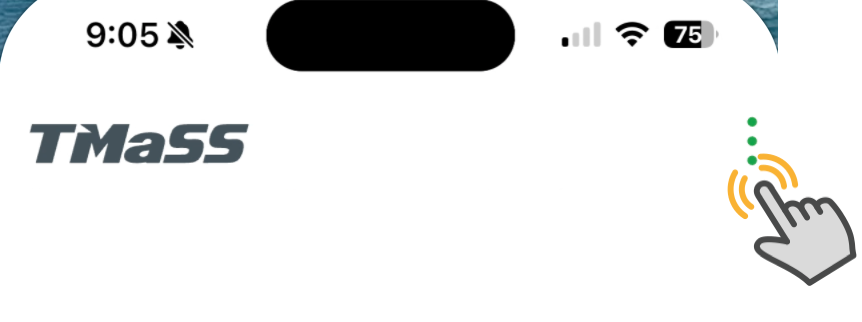
Company & site navigation, system settings is through the three-dot menu in the top-right corner.
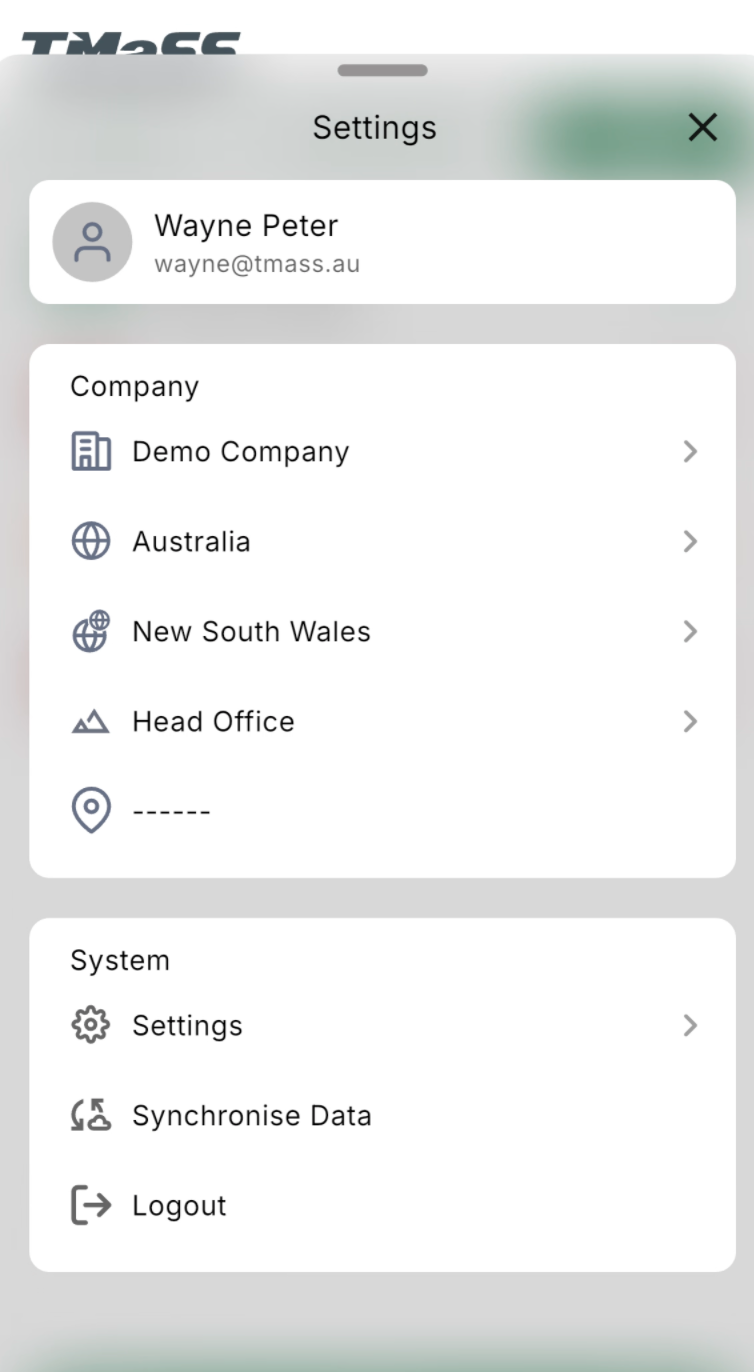
The Settings section is where users can easily change sites or companies and manage how the application synchronises data. By default, TMaSS synchronises data on first login for the user’s default company. Users can then choose to automatically synchronise whenever the site or company changes, ensuring that the device always has the latest data.
Additionally, to give users control over connectivity and data usage, wireless (Wi-Fi) synchronisation is disabled by default. However, there is an option to enable mobile data so that inspections, safety observations and asset updates can be synced even when Wi-Fi is not available. To further manage storage and usage, the app retains synchronised data on the device for 1 month by default. Importantly, any unsynchronised data is always retained until a successful sync is completed, ensuring that no inspections or observations are lost if connectivity is temporarily unavailable.
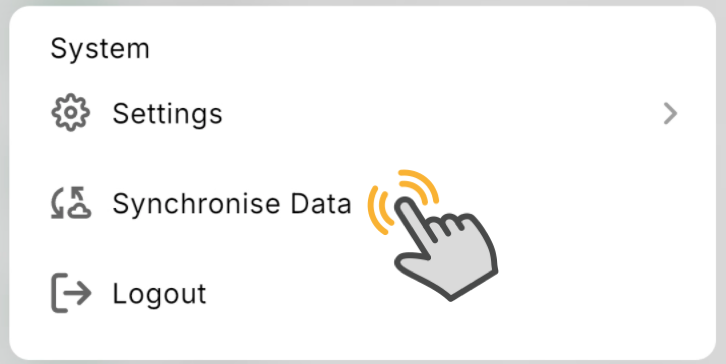
NOTE: All data MUST be manually synchronised. This can be done by tapping "Synchronise Data" from the settings area.
Together, these features make the TMaSS Mobile application a powerful, field-ready tool for tyre management and safety, —bringing asset tracking, inspections and safety observations into one streamlined, easy-to-use interface.