This article describes the process of moving a vehicle to an existing fleet.
Using the Move to fleet dialogue, you can:
- Move a vehicle asset to an existing fleet.
1. Find the required vehicle asset, from it's hover context menu click the 3 dots, from the dropdown, click "Move to fleet"
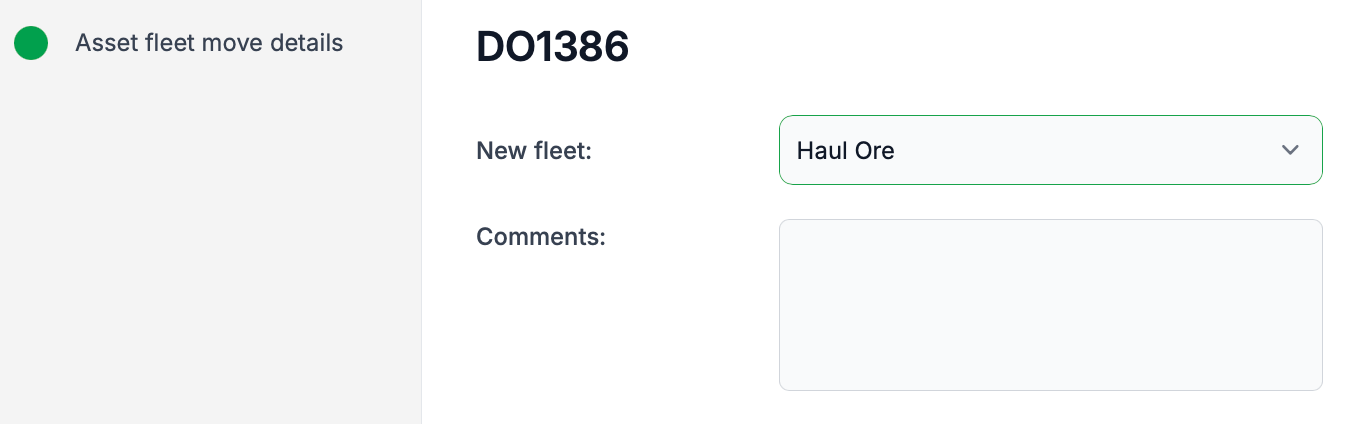
TIP: Fleets are an important aspect of TMaSS. They provide workflow enhancements and additional reporting capabilities.
2. A vehicle can only be assigned to a single fleet. If it is assigned to an existing fleet a "Confirmation Move" dialogue will be displayed.
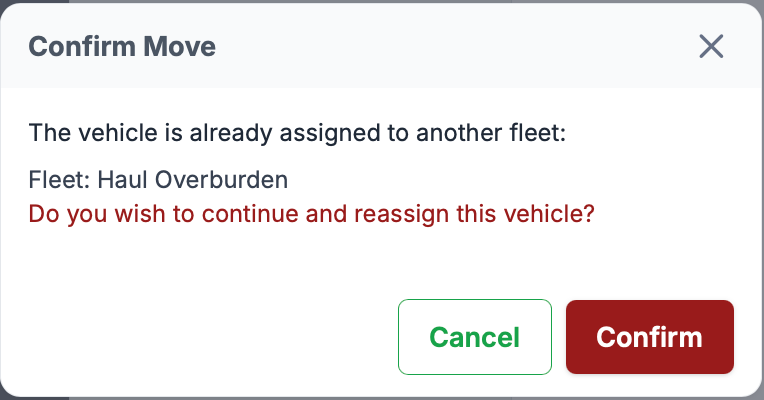
3. To confirm the move to save and continue.
Was this article helpful?
That’s Great!
Thank you for your feedback
Sorry! We couldn't be helpful
Thank you for your feedback
Feedback sent
We appreciate your effort and will try to fix the article